
The cinematic social messenger
Chat like the app is alive.
QuillTalk is built around the familiar messenger people expect, then turns it cinematic with in-thread AI, generated images, Scrolls, calls, polls, voice tools, and games that happen where friends already are.
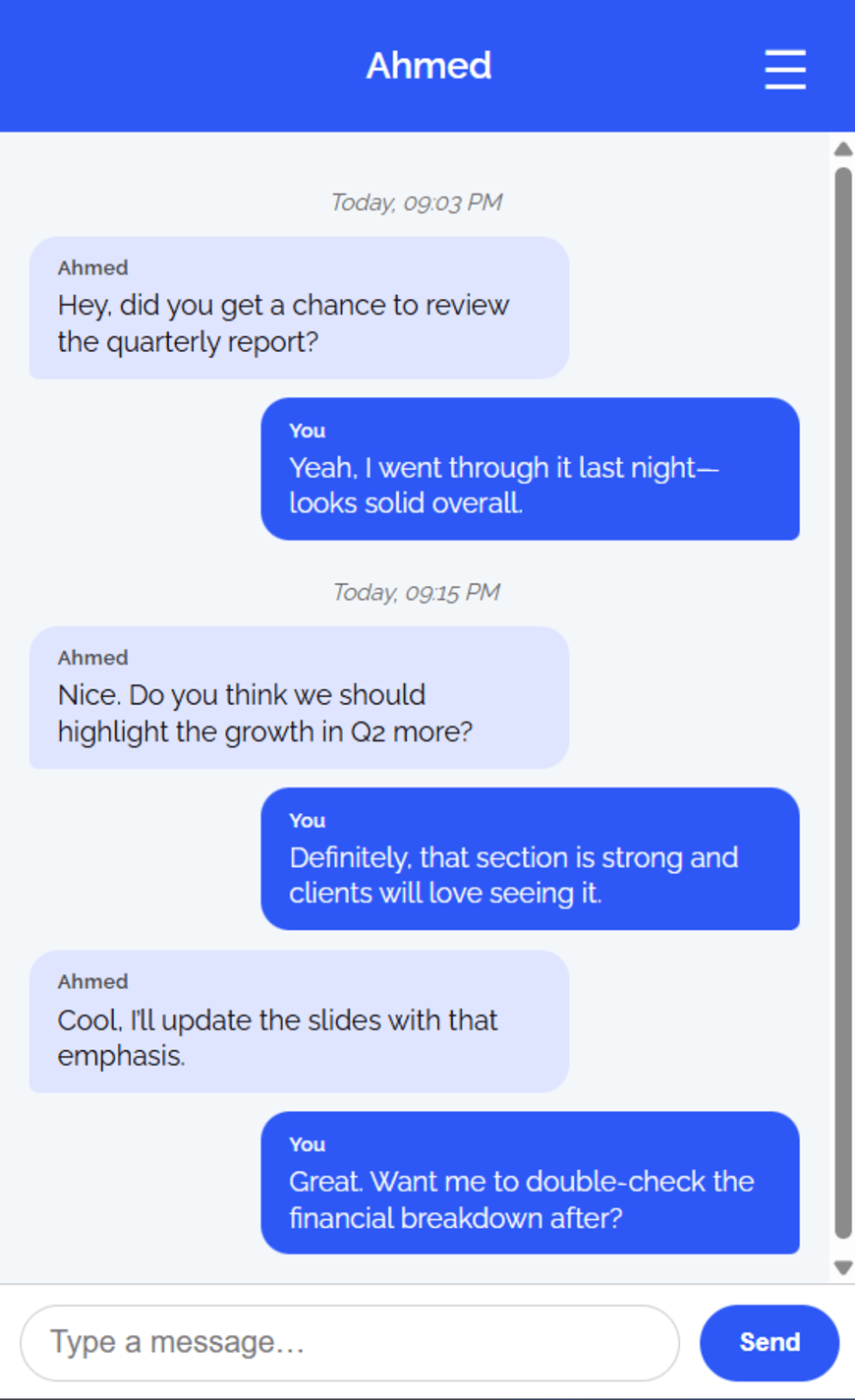
Slash commands, mentions, replies, and image prompts can all happen inside the normal chat flow.
Start a call, post a Scroll, create a poll, or launch a Sidequest without leaving QuillTalk.
Every major QuillTalk feature gets its own scroll scene.
Each scroll stop has a cinematic visual frame ready for real app screenshots, so the page can grow into a polished product showcase as your final assets arrive.
Summon @QuillTalk AI without leaving the conversation.
Use slash commands, mention QuillTalk AI, or reply directly to an AI message. The assistant answers in context, attached to the exact conversation that sparked it.
Turn a chat idea into a generated image.
QuillTalk can improvise visuals from the flow of a conversation, then place the generated image back where everyone is already talking.
Build a private AI room for ideas, memory, and experiments.
Dedicated AI chats give QuillTalk another mode: a place to brainstorm, test prompts, and keep AI conversations separate from friend threads when that is the better fit.
When the chat gets quiet, start a game.
Chess, Checkers, Connect Four, and Sketchoff make QuillTalk feel less like a static inbox and more like a shared room where friends can actually do something together.
A social feed lives inside the messenger.
Scrolls give QuillTalk public-feeling energy without leaving the app: posts, comments, replies, reactions, and follows all sit beside the chat experience.
Voice and calls can become useful memory.
Call invites, group calling, voice transcription, and AI follow-ups help fast conversations become something people can search, summarize, and act on later.
Polls and scheduling keep groups from spiraling.
QuillTalk gives busy chats structure with polls, image options, scheduled messages, read receipts, group roles, nicknames, and notification preferences.
Small tools make every message more expressive.
Translation, GIF search, reactions, nicknames, message search, focus states, blocking, and notification preferences make QuillTalk feel personal without turning the interface into a maze.
Make every conversation feel alive.
Keep signup and login simple. Let the scroll tell the story: AI, images, custom AI rooms, Sidequests, Scrolls, smart calls, group decisions, and message tools.